
Turn a lead into an opportunity
Move a qualified lead into your pipeline, where you price it, follow it up and track it through to won or lost.
Once you know a lead is a real job, turn it into an opportunity. Opportunities are what your pipeline tracks: each sits in a stage — Qualified, Site Visit, Proposal Sent, Won — and carries what the job is likely to be worth.
Who can do this: Sales, Office and Admin.

Convert the lead
Section titled “Convert the lead”-
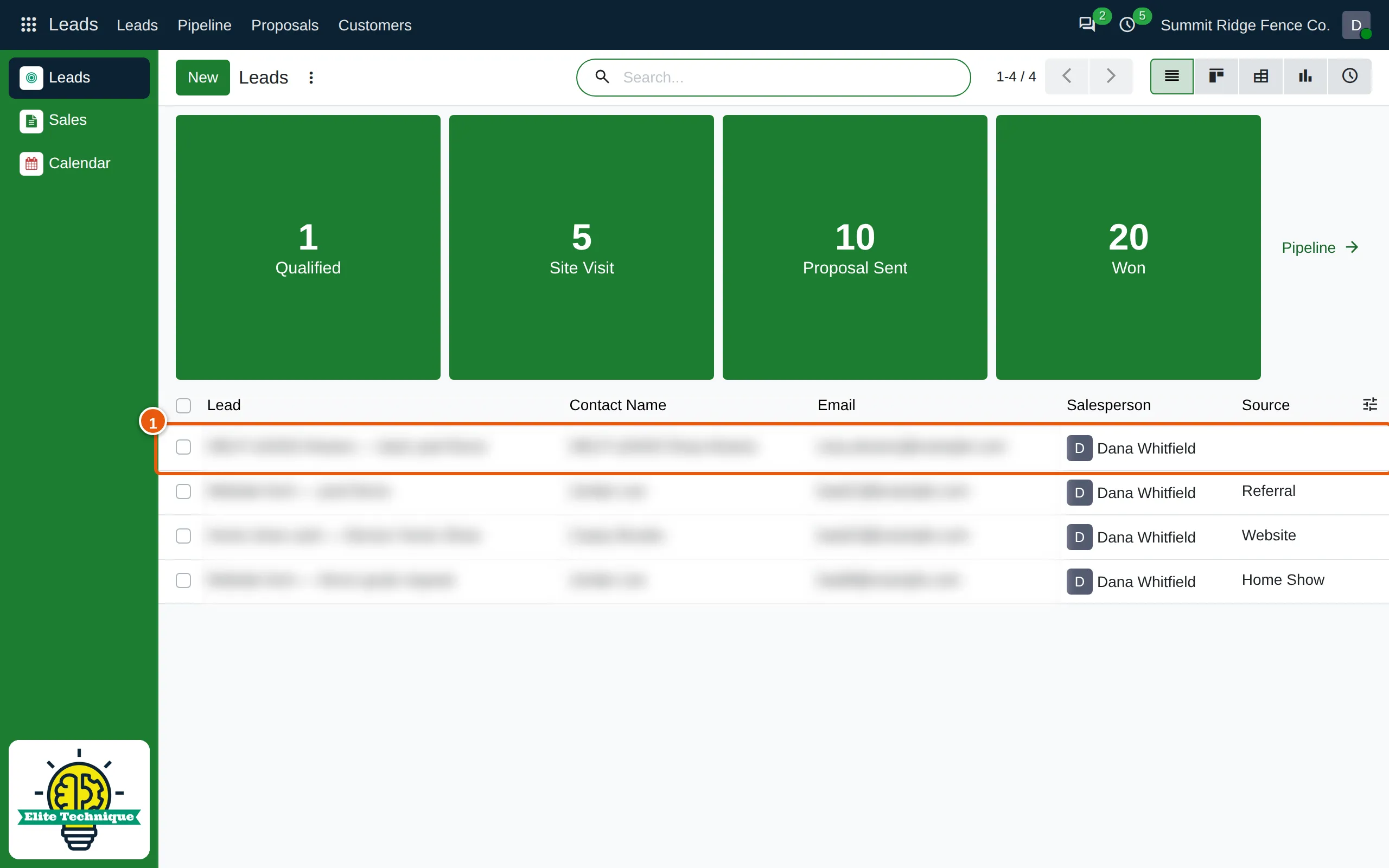
Click Leads in the top bar, then click the lead in the list (1).
-
Click Convert to Opportunity (1).
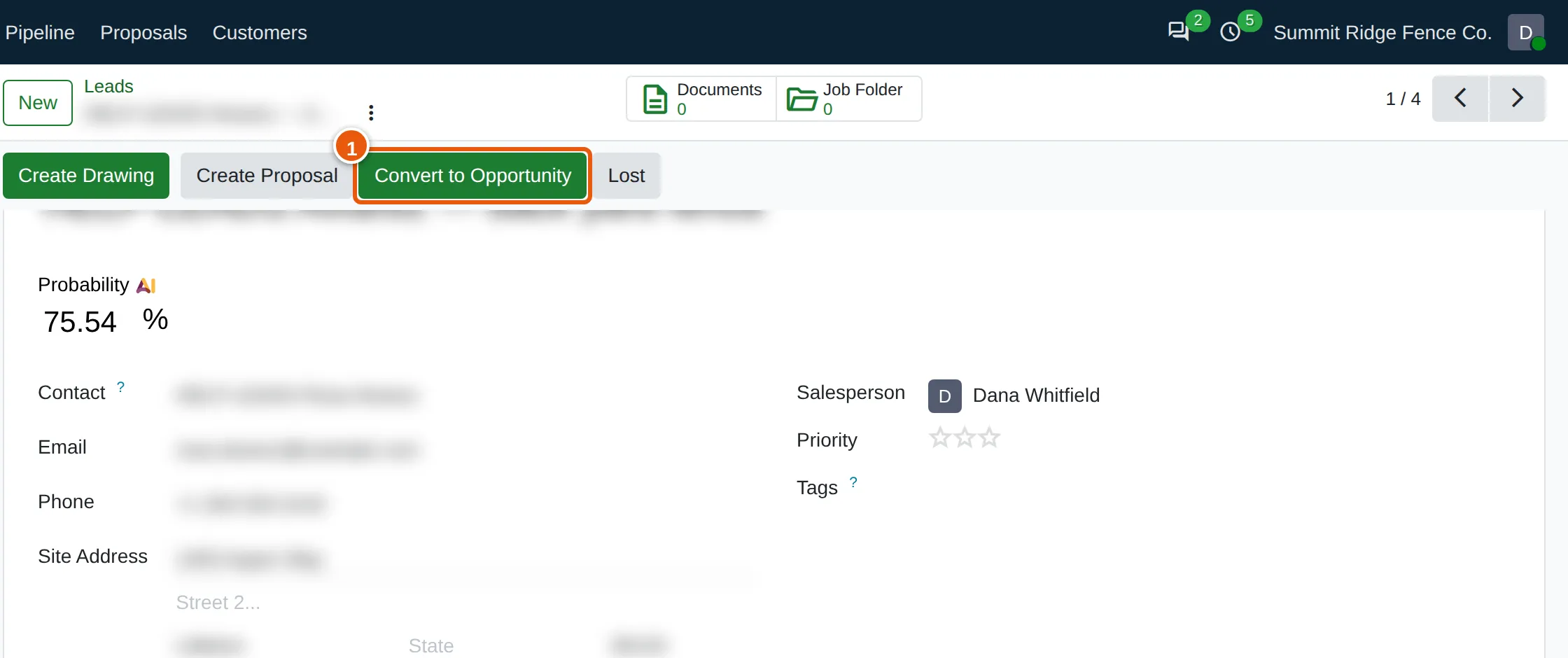
The lead becomes an opportunity at once, with no further questions.
-
Check the stage bar (1) at the top right: the opportunity starts in Qualified. Type what the job is likely to be worth in Expected Revenue (2), then click the cloud icon to save.
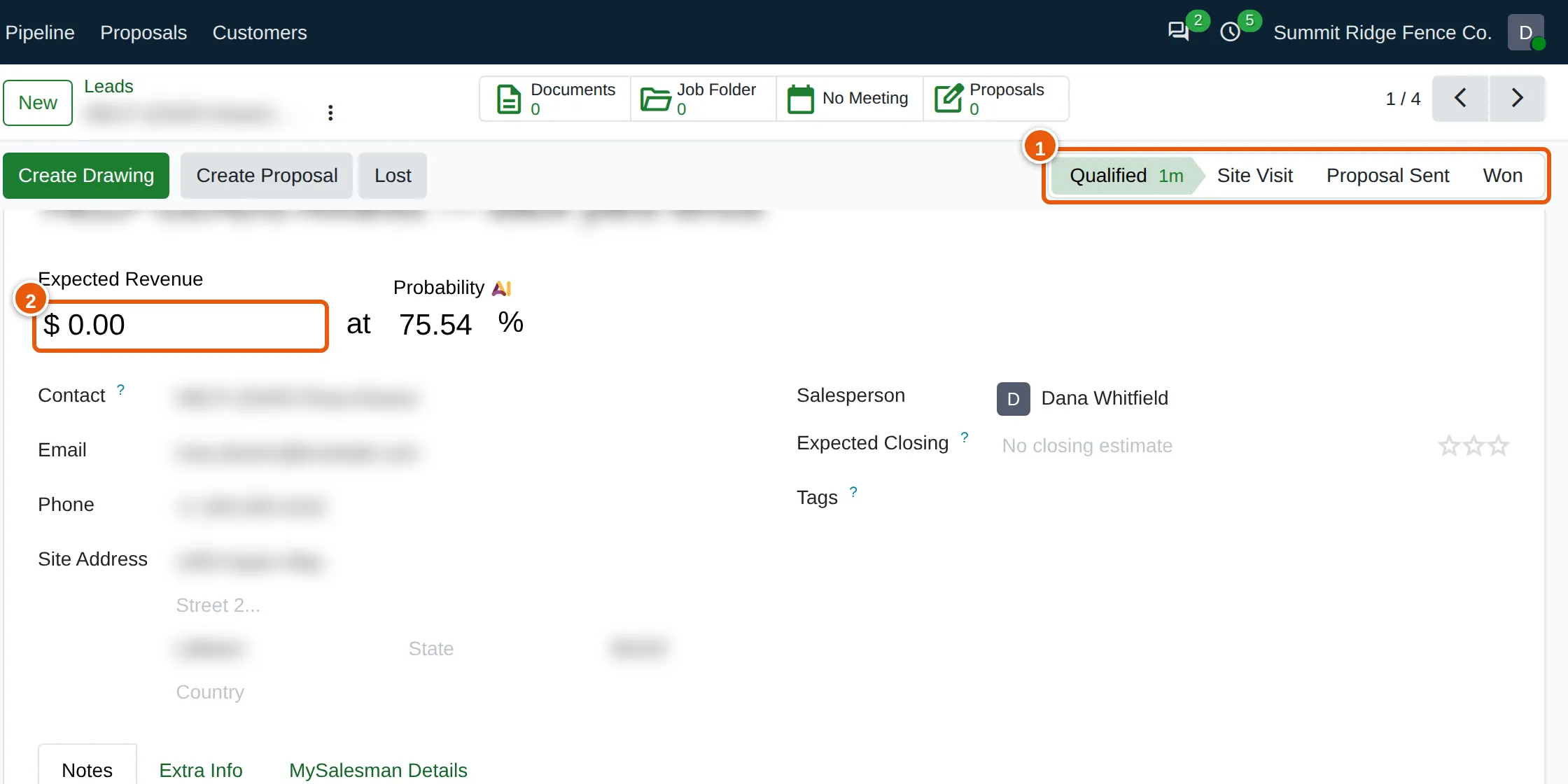
The opportunity leaves the Leads list and now counts in the Qualified box at the top of the Leads page. Convert to Opportunity is gone from its header; Create Drawing, Create Proposal and Lost stay.
Ready to price the job? See Create a proposal.