
Pro and upIncluded in the Pro and Elite packages.
Set a team member's hourly cost
Set what an hour of each person's time costs your company, so the hours logged on a job show what its labor cost.
Each person’s hourly cost is what an hour of their time costs the company. Hours logged on a job are costed at it, so the job shows what its labor really cost.
Who can do this: Admin.
-
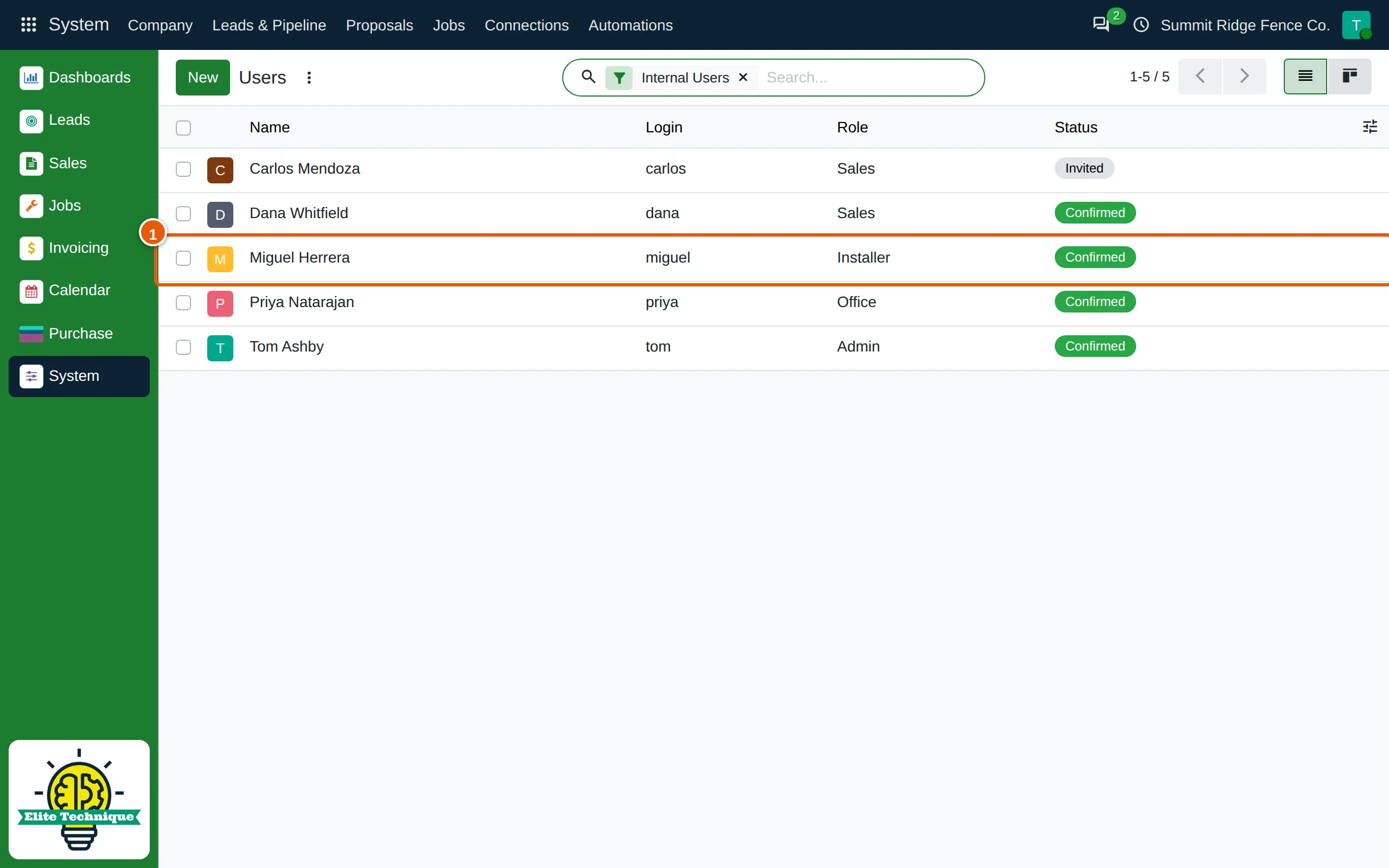
Click System on the left. It opens on Users. Click the person (1).
-
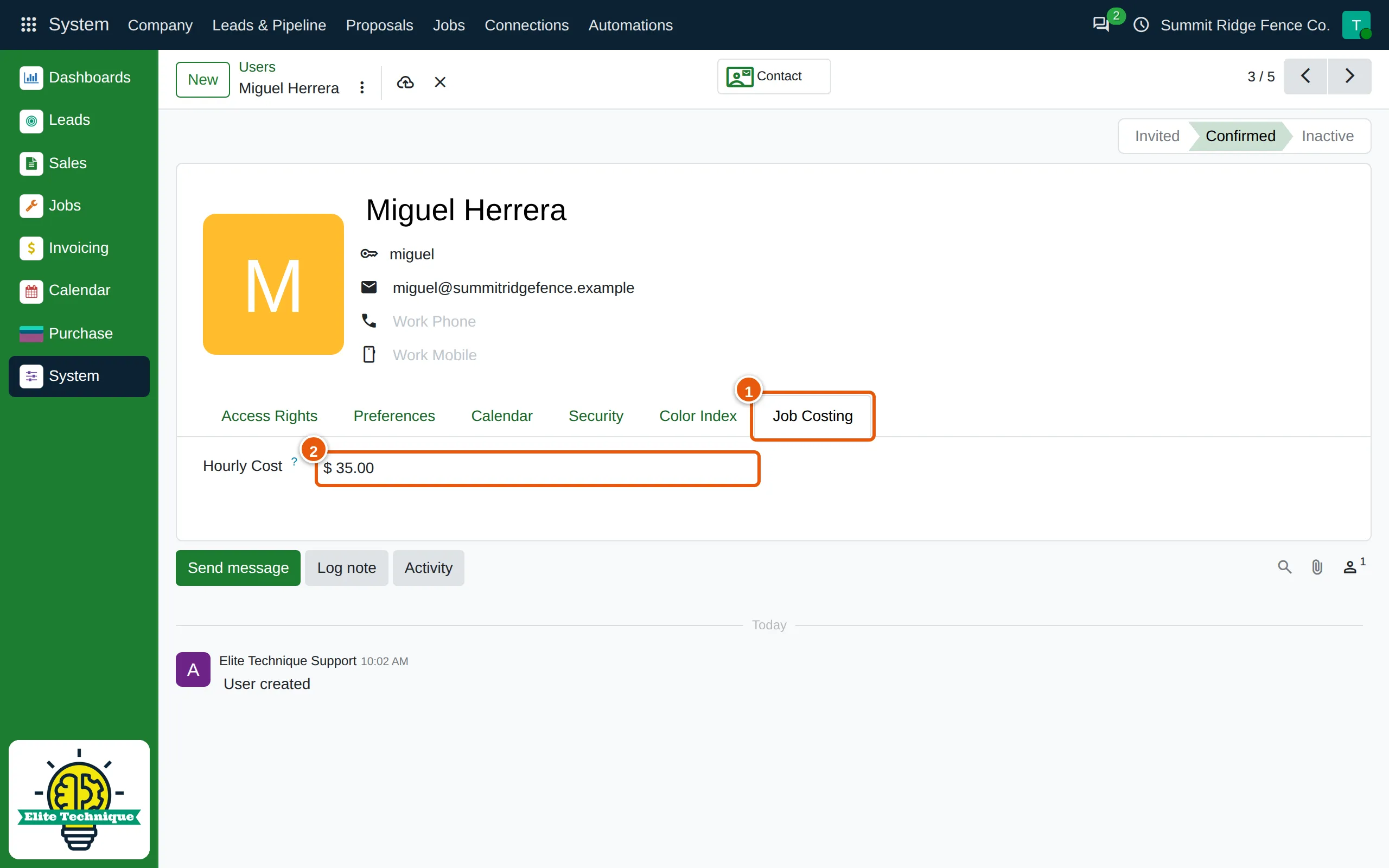
Open the Job Costing tab (1) and type the cost in Hourly Cost (2). Click the cloud icon at the top to save.
To log hours, see Log hours on a job.