Pro and upIncluded in the Pro and Elite packages.
Reorder low stock
Set a minimum and maximum for a product, and turn a reordering suggestion into a draft purchase order when stock runs low.
A reordering rule keeps a product between a minimum and a maximum. When its forecast falls below the minimum, the rule suggests how many to order to get back to the maximum. Nothing is ordered on its own: you review the suggestion and click Order.
Who can do this: Admin.
-
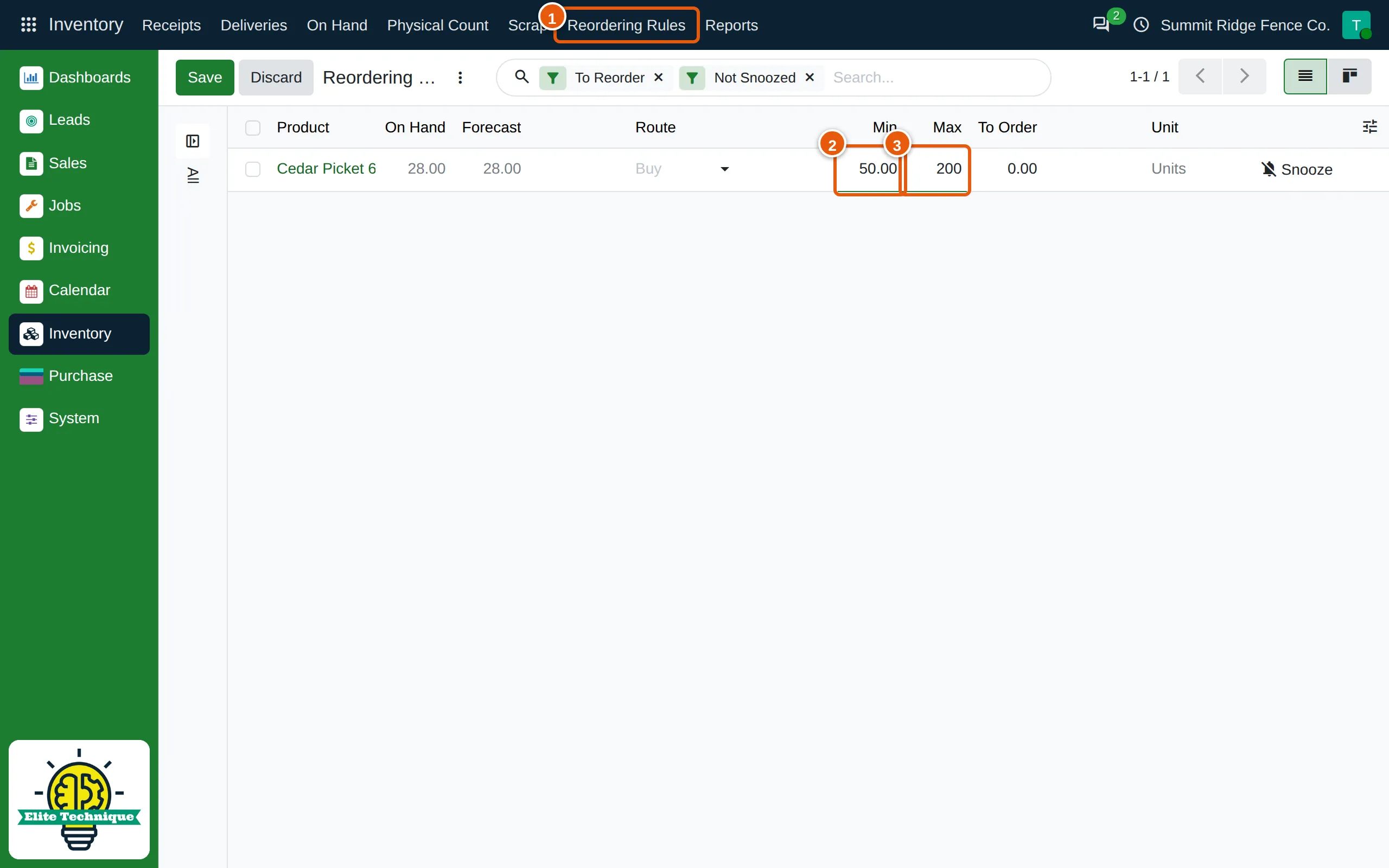
In Inventory, click Reordering Rules (1) at the top, then New. Pick the product, type its Min (2) and Max (3), and click Save.
-
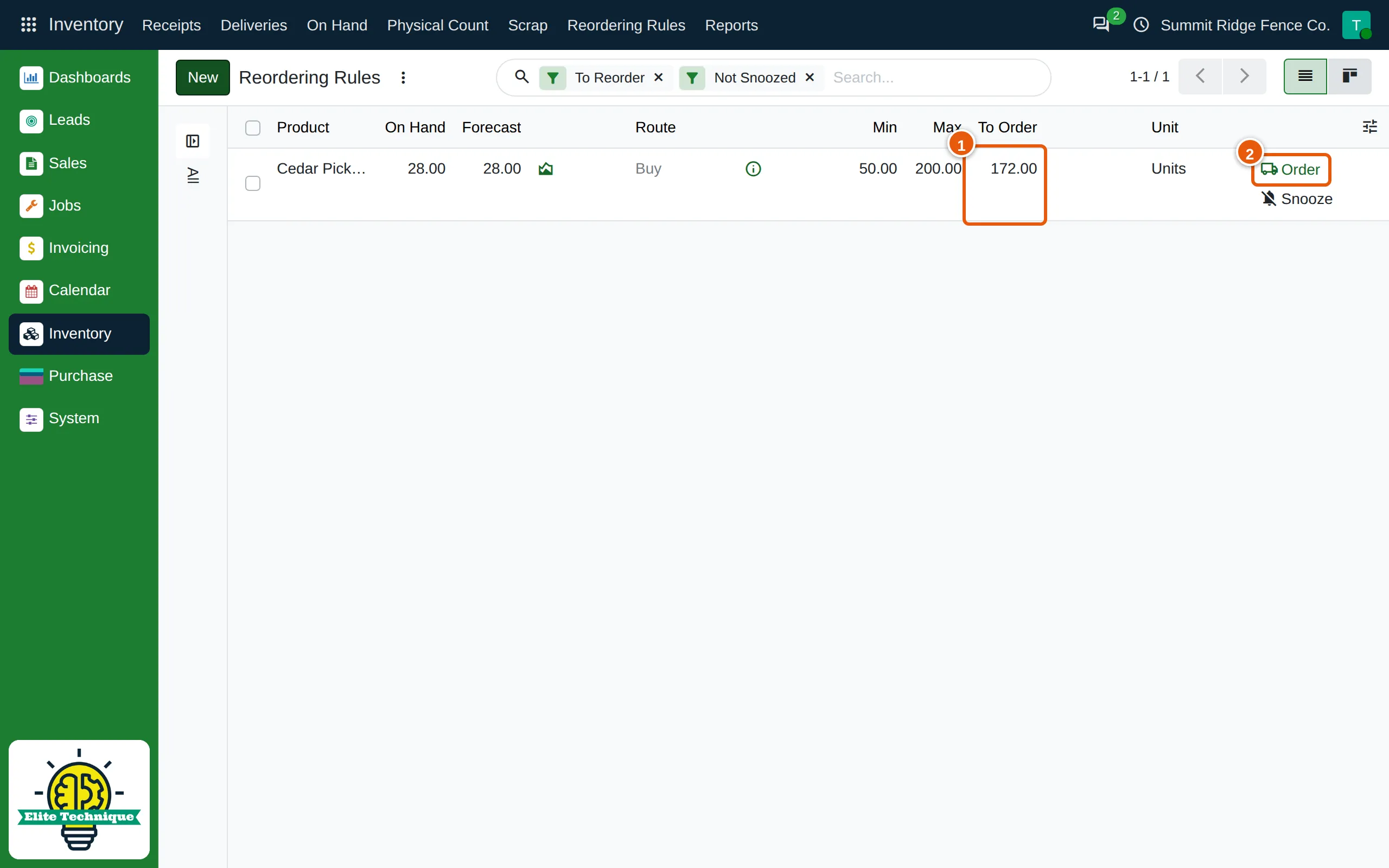
With 28 on hand and a minimum of 50, To Order reads 172 (1) — enough to get back to 200. Click Order (2).
-
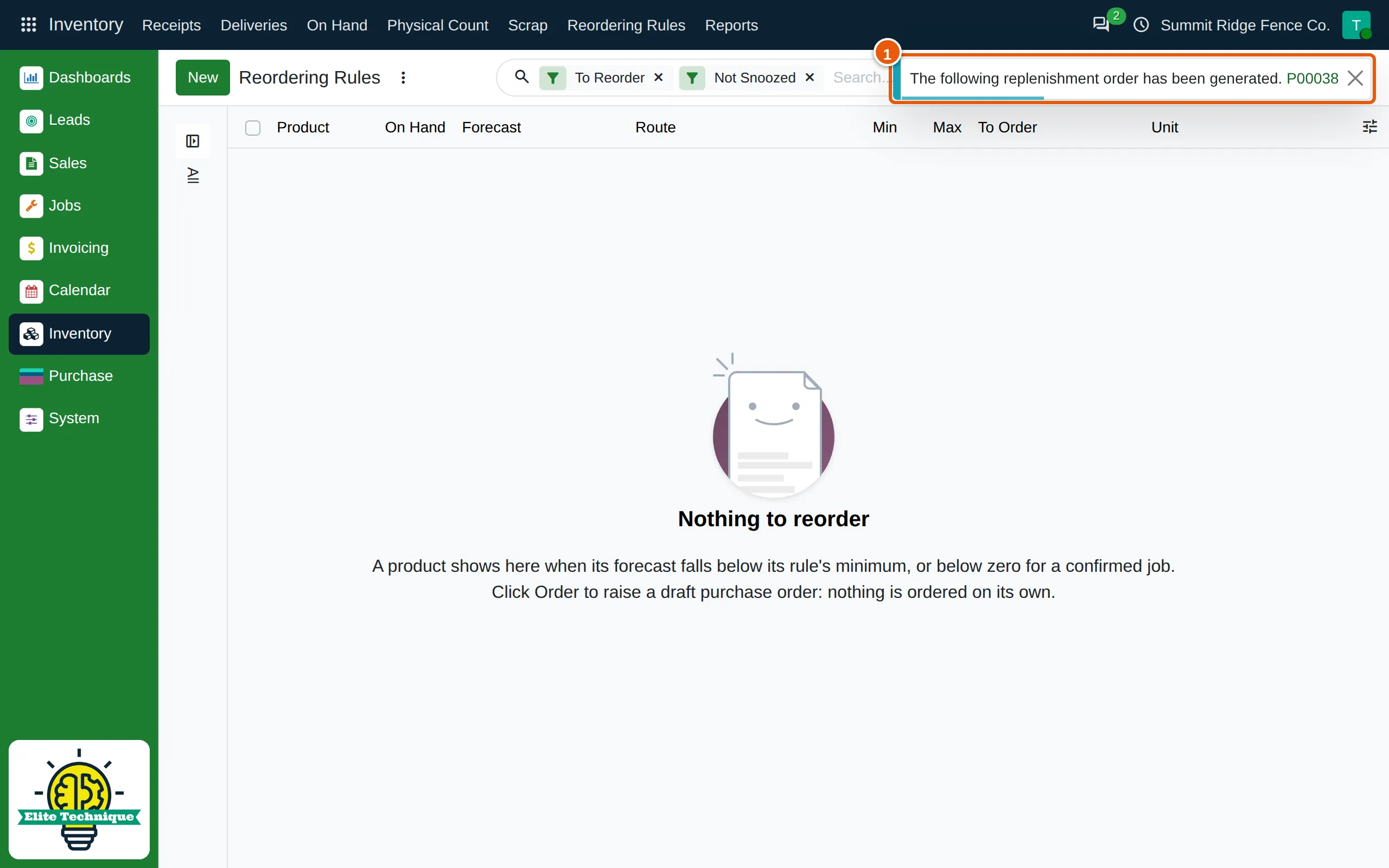
A message says the order was generated and gives its number (1). The product leaves the list until it runs low again.
-
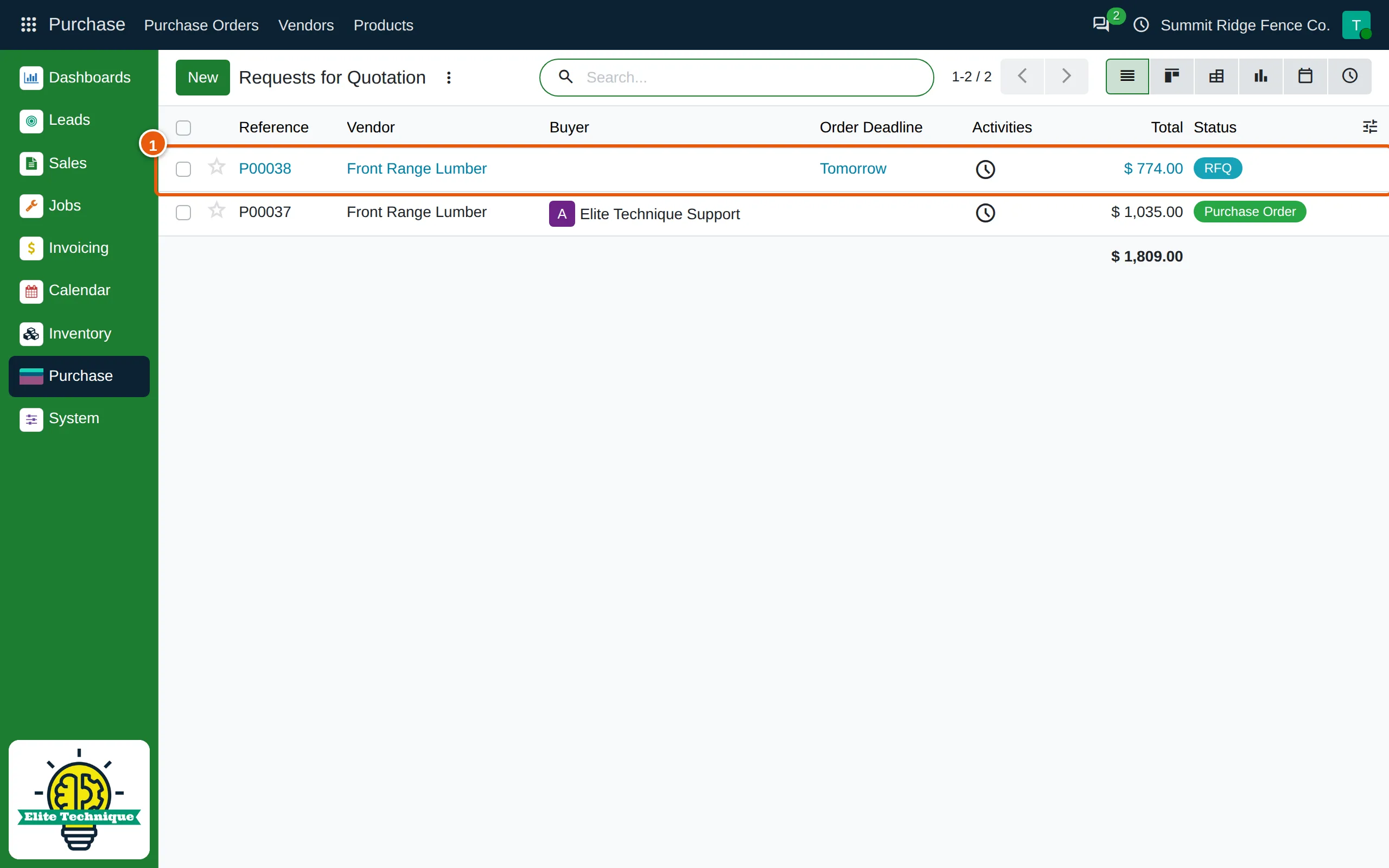
In Purchase, the new order is a draft — an RFQ — to the product’s vendor (1). Check it and confirm it as you would any purchase order.